01
Da dove vengono spediti gli ordini e quanto tempo richiede la consegna?
La maggior parte degli ordini iKAGOO viene spedita dal nostro centro di evasione ordini
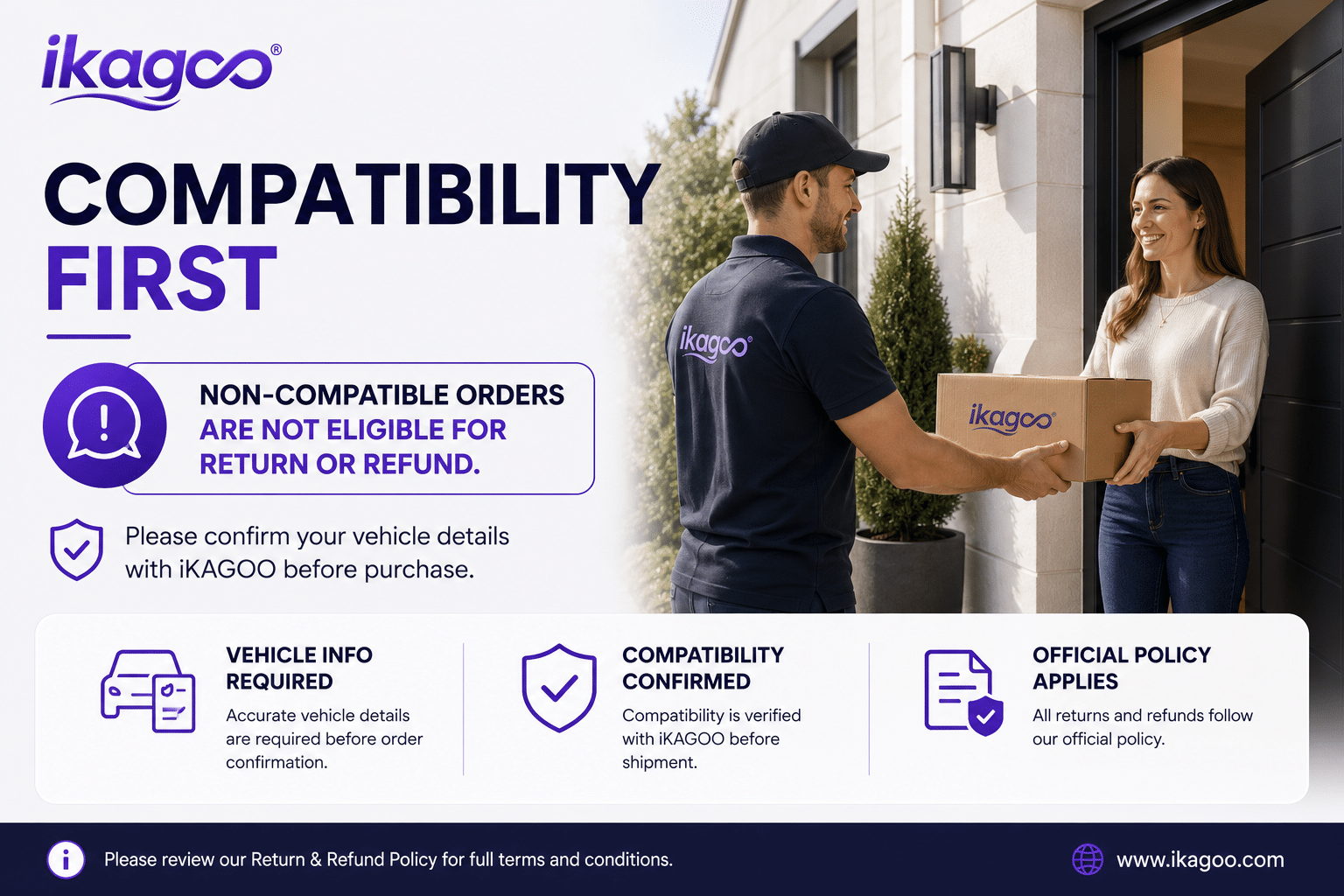
in Cina dopo che la configurazione del prodotto e le informazioni sul veicolo
sono state verificate.
L'elaborazione normale degli ordini è di circa
1-3 giorni lavorativi.
La consegna stimata dopo la spedizione è generalmente:
- USA e Canada: circa 5–9 giorni lavorativi
- Unione europea: circa 7–15 giorni lavorativi
- Regno Unito e Australia: circa 7–10 giorni lavorativi
- Altre regioni supportate: circa 7–20 giorni lavorativi
Lo sdoganamento, le festività, il meteo, i ritardi del corriere e
la consegna in aree remote possono influire su queste stime.
02
Dovrò pagare l'IVA, i dazi all'importazione o le spese doganali?
La spedizione internazionale standard normalmente non include
l'IVA del paese di destinazione, i dazi all'importazione, le spese di intermediazione o
le spese di sdoganamento.
Per le destinazioni idonee dell'Unione Europea,
La spedizione DDP potrebbe essere disponibile.
Gli oneri di importazione sono inclusi solo quando la spedizione DDP viene selezionata
al momento del pagamento o confermata per iscritto da iKAGOO prima della spedizione.
Quando la spedizione DDP non viene selezionata, gli oneri riscossi dalla dogana locale
o dal corriere di consegna sono di norma a carico del destinatario.
03
Posso richiedere la spedizione espressa e come posso tracciare il pacco?
La spedizione espressa o accelerata potrebbe essere disponibile per prodotti
e destinazioni selezionati. La disponibilità, il corriere e gli eventuali
costi aggiuntivi vengono confermati prima della spedizione.
A seconda del percorso e del tipo di prodotto, iKAGOO potrebbe utilizzare DHL,
FedEx, UPS, EMS, 4PX o un altro fornitore di servizi logistici con tracciabilità.
Dopo la spedizione, il numero di tracciamento o il link di tracciamento viene
normalmente inviato all'indirizzo email utilizzato per l'ordine.
Gli aggiornamenti del tracciamento potrebbero richiedere alcuni giorni lavorativi per comparire
durante i trasferimenti internazionali del corriere.
04
Qual è la politica di reso e rimborso?
L'idoneità al reso dipende dal motivo del reso, dalle condizioni
del prodotto, dallo stato di installazione, dalle prove a
supporto e dal fatto che il reso sia stato approvato da iKAGOO.
Per un reso approvato e non difettoso, il prodotto deve normalmente
rimanere inutilizzato, non installato, completo e idoneo alla rivendita.
Il cliente è generalmente responsabile dei costi di spedizione
per il reso approvato.
I costi di spedizione originali, DDP, IVA, dazi doganali e altri costi
logistici sono generalmente non rimborsabili, salvo quanto previsto
dalla legge o diversamente confermato da iKAGOO.
Non rispedire un prodotto prima di aver ricevuto un indirizzo
di reso approvato e le istruzioni di reso da iKAGOO.
05
E se il prodotto non può ancora essere installato dopo la verifica di compatibilità?
Potrebbe essere applicata una protezione aggiuntiva quando iKAGOO ha
verificato la compatibilità del veicolo, il cliente ha fornito
informazioni accurate sul veicolo e sono stati completati
passaggi di installazione e diagnostica ragionevoli.
Se iKAGOO conferma che non è disponibile alcuna soluzione tecnica
ragionevole e il problema viene segnalato entro
7 giorni di calendario dalla consegna,
il cliente potrebbe avere diritto a un rimborso del prezzo del prodotto
senza essere tenuto a restituire il prodotto.
Spedizione originale, DDP, IVA, dazi doganali e altri
oneri di terze parti non sono inclusi in questo rimborso del prezzo del prodotto.
06
Quale garanzia viene fornita, e l'apertura del prodotto la annulla?
I prodotti idonei includono una
Garanzia limitata di 12 mesi sull'hardware
che copre difetti di fabbricazione verificati e guasti hardware ammissibili
in condizioni di uso normale.
A seconda del problema verificato, il supporto può includere diagnosi remota,
assistenza alla configurazione, parti di ricambio,
riparazione, sostituzione, rimborso parziale o rimborso completo.
L'ispezione o l'esame di terze parti non annulla automaticamente
l'intera garanzia. Tuttavia, i danni causati da
riparazione non autorizzata, modifica errata, circuiti rotti,
riassemblaggio improprio, cablaggio errato, urti, infiltrazione d'acqua
o uso improprio non sono normalmente coperti.
Contattare iKAGOO prima di smontare, modificare o riparare
il prodotto in modo che possa essere fornita la corretta procedura diagnostica.
07
Cosa succede se il mio ordine arriva danneggiato o con parti mancanti?
Contatta iKAGOO entro
7 giorni di calendario dalla consegna
e conservare l'imballaggio originale, l'etichetta di spedizione, gli accessori
e il prodotto.
Si prega di fornire foto o video nitidi che mostrino:
- Il cartone da spedizione esterno e l'etichetta di spedizione
- Danno visibile all'imballaggio
- Il prodotto e l'area interessata
- Tutti gli accessori e i cablaggi ricevuti
Dopo la verifica, iKAGOO può organizzare una spedizione di parti mancanti,
una sostituzione, una riparazione, un rimborso o un'altra soluzione ragionevole.
08
Cosa succede se ho ordinato la versione sbagliata o devo modificare l'ordine?
Contatta iKAGOO il prima possibile e prima dell'installazione.
Per modifiche all'indirizzo, alla configurazione del veicolo o al prodotto, contattaci
preferibilmente entro
12 ore dopo aver effettuato l'ordine.
Uno scambio o un reso può essere approvato quando un prodotto
selezionato erroneamente rimane inutilizzato, non installato, completo e
adatto alla rivendita. I clienti sono normalmente responsabili dei
costi di spedizione e delle differenze di prezzo.
I prodotti specifici per veicoli possono entrare in fase di approvvigionamento, programmazione,
test o configurazione subito dopo il pagamento. Una volta iniziata la preparazione
o la spedizione, la cancellazione potrebbe non essere più possibile,
o possono essere detratti i costi ragionevoli già sostenuti.
09
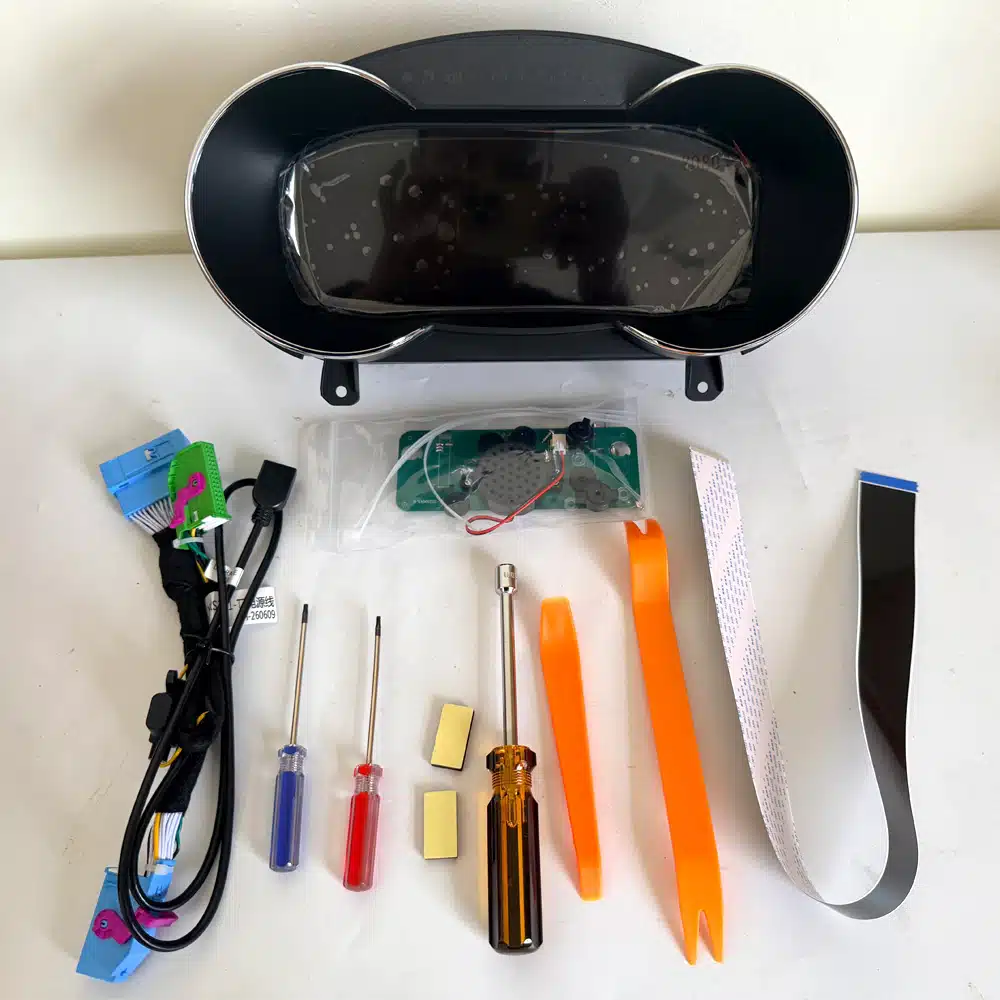
Cosa è incluso nel pacchetto?
Il contenuto della confezione varia in base al prodotto, al modello del veicolo, al sistema di fabbrica
e alla configurazione selezionata.
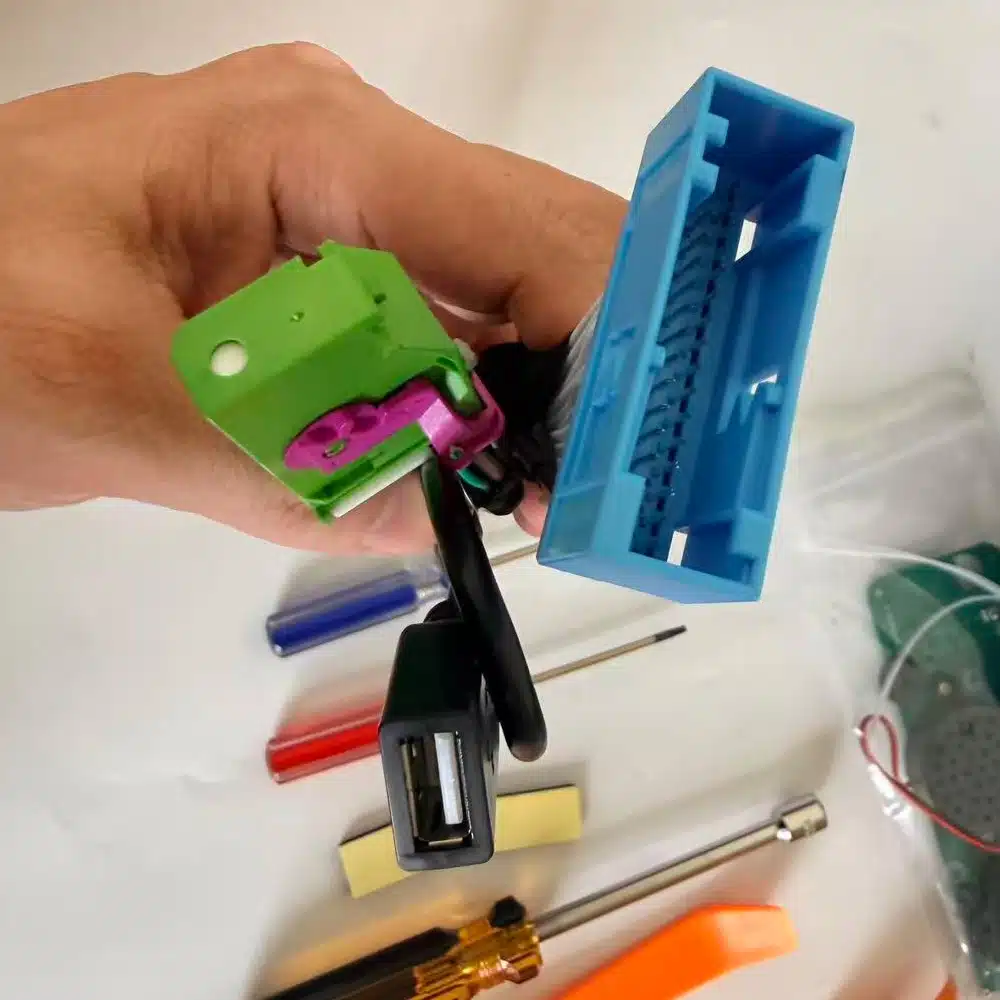
A seconda del prodotto, la confezione può includere il dispositivo
principale, cablaggi specifici per il veicolo, interfaccia CANBUS,
adattatori, cavi USB, antenne, microfoni, staffe di montaggio
o altri accessori di installazione necessari.
Fare riferimento alle foto del prodotto, alle specifiche e alla conferma
d'ordine per il contenuto esatto del proprio ordine.
10
Come posso contattare iKAGOO per supporto tecnico o post-vendita?
Puoi contattare iKAGOO tramite il modulo di contatto del sito web,
WhatsApp o altri canali di supporto disponibili. Il tempo di risposta
tipico è entro 24 ore lavorative.
Per una diagnosi tecnica più rapida, includi il numero d'ordine,
modello e anno del veicolo, foto pertinenti del sistema di fabbrica,
foto del prodotto e un video chiaro che mostri il problema.
Contatta il supporto iKAGOO →
11
Il pagamento è sicuro e sono disponibili opzioni di rateizzazione?
I pagamenti vengono elaborati tramite i metodi di pagamento sicuri
visualizzati durante il checkout.
Le opzioni disponibili di carta, portafoglio e rateizzazione possono variare in base a
paese, valuta, fornitore di pagamenti e idoneità del cliente.
I servizi di rateizzazione, incluse le opzioni offerte da PayPal o
da un altro fornitore di pagamenti, rimangono soggetti alla disponibilità regionale
e ai requisiti di approvazione di tale fornitore.
Questa sezione è una guida semplificata per il cliente. Le pagine complete
delle policy pubblicate, la conferma d'ordine e la legge sui consumatori applicabile
prevalgono in caso di differenze nella formulazione.














Rodríguez Luis -
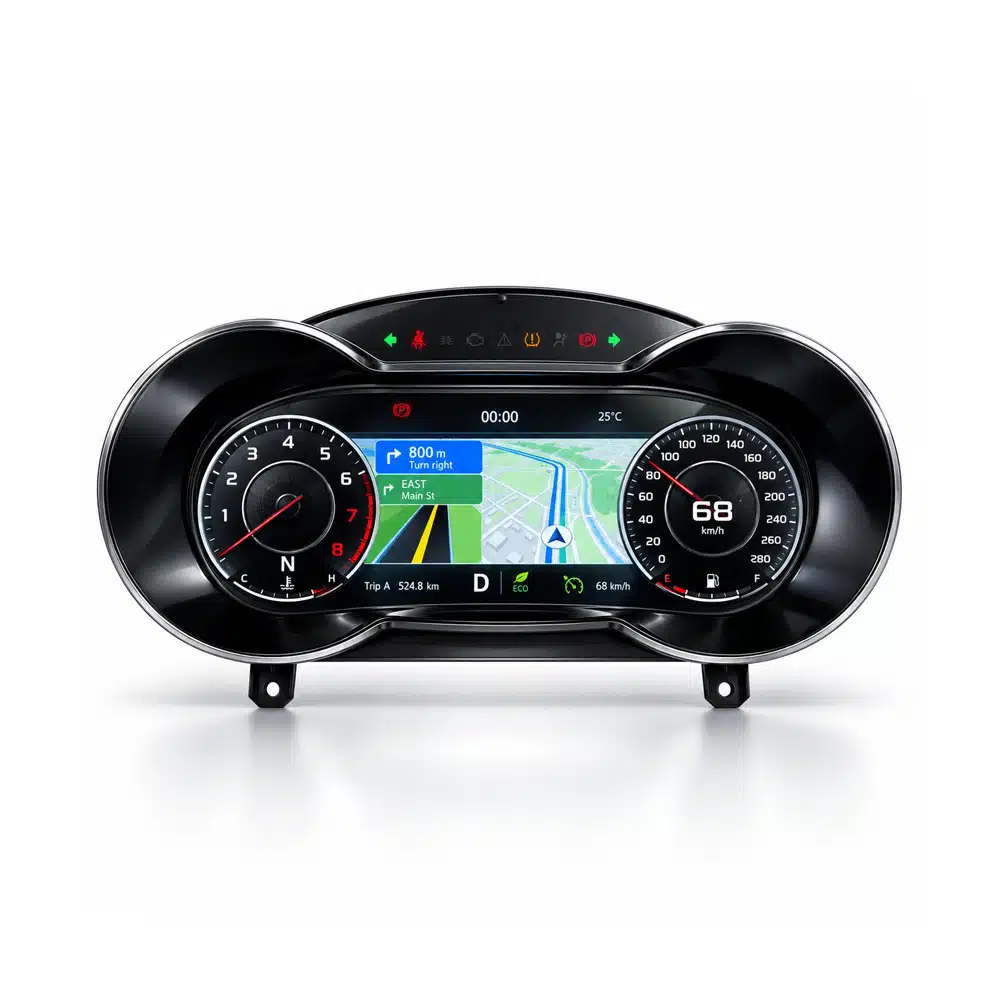
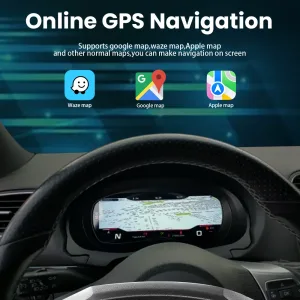
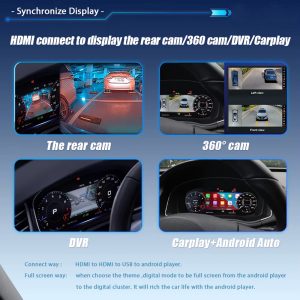
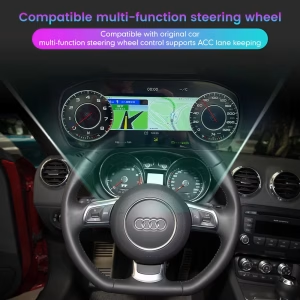
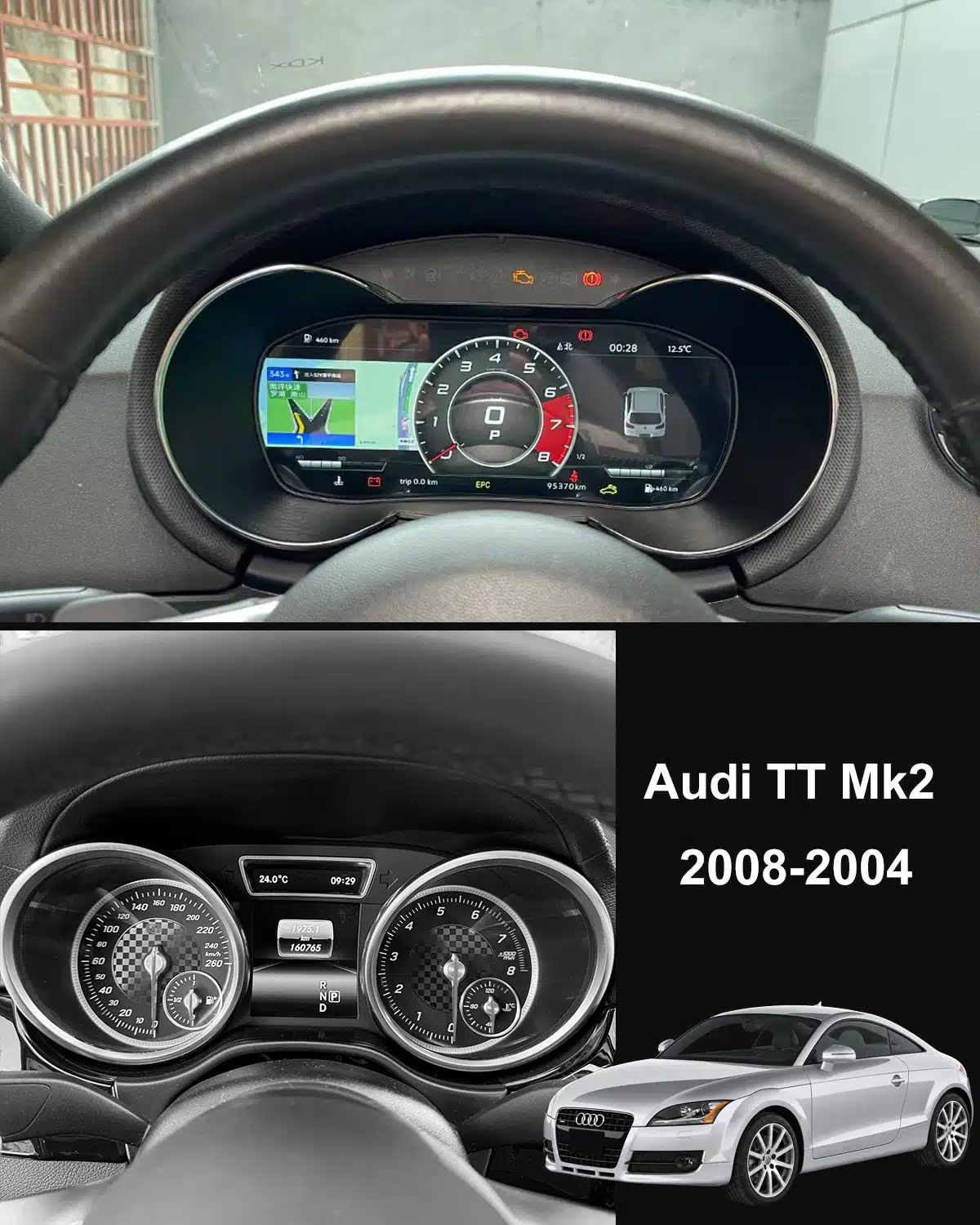
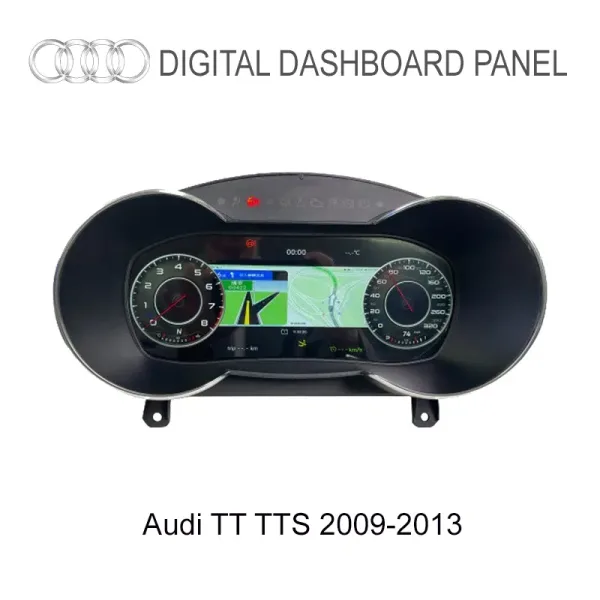
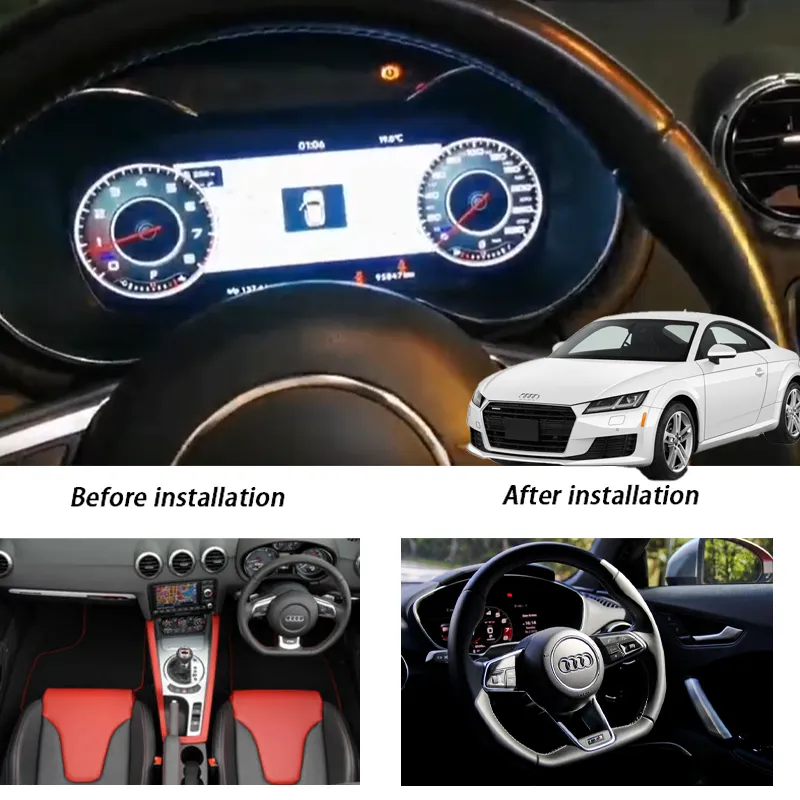
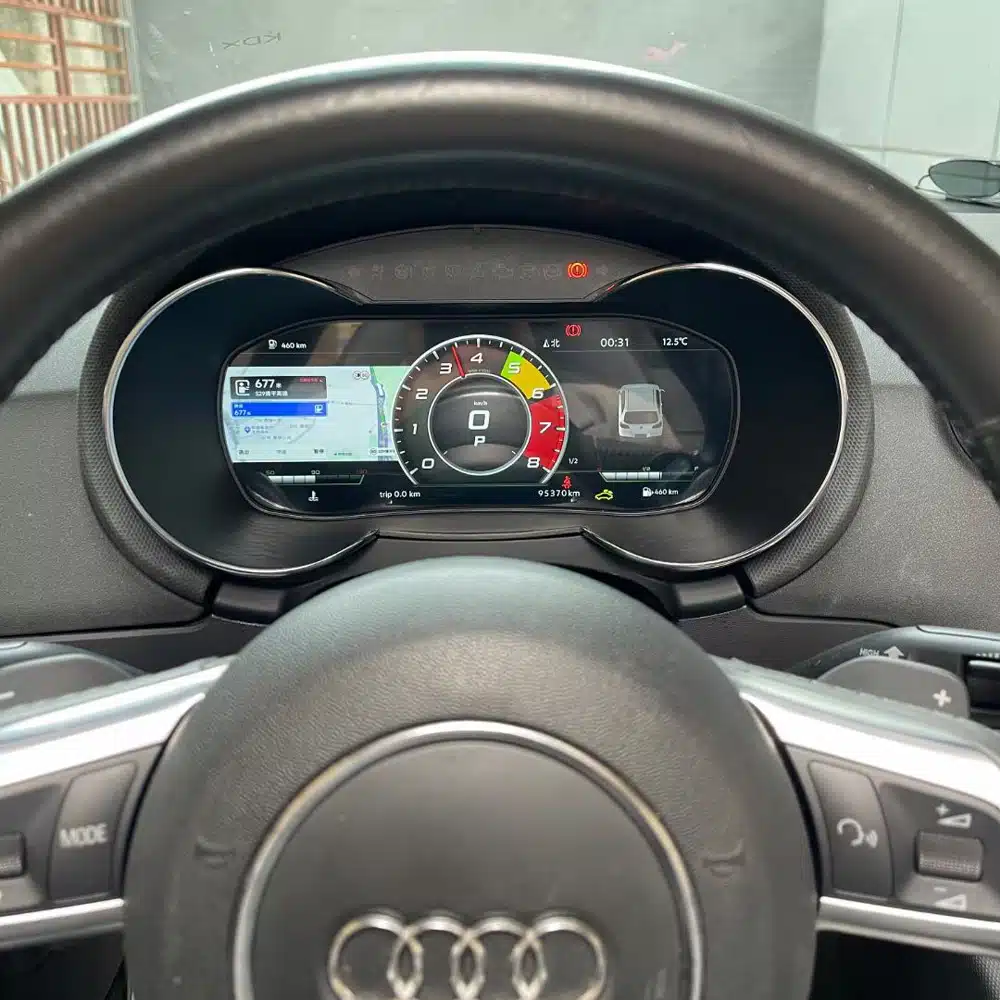
Ho installato questo cruscotto digitale sulla mia Audi TT del 2011 e non potrei essere più soddisfatto. Il display è davvero nitido e l’integrazione con il cruscotto originale è perfetta. Ora posso visualizzare tutte le informazioni relative al veicolo, come la velocità, il consumo di carburante e la navigazione GPS, con una grafica fantastica. L’installazione è stata semplice e l’interfaccia è intuitiva, migliorando davvero l’esperienza di guida.
Hannah Cole -
Volevo un cruscotto digitale moderno senza rinunciare al design classico della TT: questo prodotto ha centrato in pieno l'obiettivo. Installazione plug-and-play, avvio rapido e una resa cromatica splendida. Sembra proprio il nuovo Audi virtual cockpit.
Florian Becker -
Ho esitato a lungo, perché la TT è sempre stata per me un'auto che mi ha trasmesso grandi emozioni. Allo stesso tempo, però, gli interni mostravano i segni del tempo, soprattutto nel quadro strumenti. A un certo punto, il tutto non quadrava più.
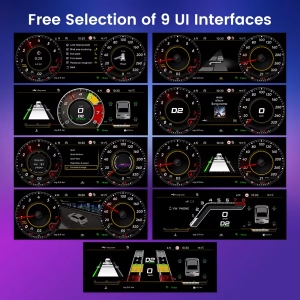
Il display da 12,3 pollici valorizza immediatamente l'abitacolo. La visualizzazione è chiara, sportiva e allo stesso tempo non sovraccarica. La navigazione e i dati di guida sono molto più facili da seguire, soprattutto durante i viaggi più lunghi. Mi ha sorpreso positivamente quanto si adatti bene al carattere della TT dal punto di vista estetico: nulla sembra fuori posto. Anche il DDP era importante per me, poiché non avevo voglia di perdere tempo alla dogana.